” Let’s face it: there is no one “best” AI tool that does it all perfectly. A tool which writes great essays may be terrible at calculus, and an expert coder may not help you organize your history notes.
For the best all-around versatility at the moment, though, the pack is led by ChatGPT, more specifically the GPT-4o model, followed by Google Gemini.
But why stop at just one? To truly hack your productivity in 2025, you need the right tool for the right job. Whether you are struggling with research, math, or just staying organized, here is your breakdown of the essential AI toolkit for students this year. “
1. The Best All-Rounders (Start Here)
If you download only one app, make it one of these. They are the “Swiss Army Knives” of AI.
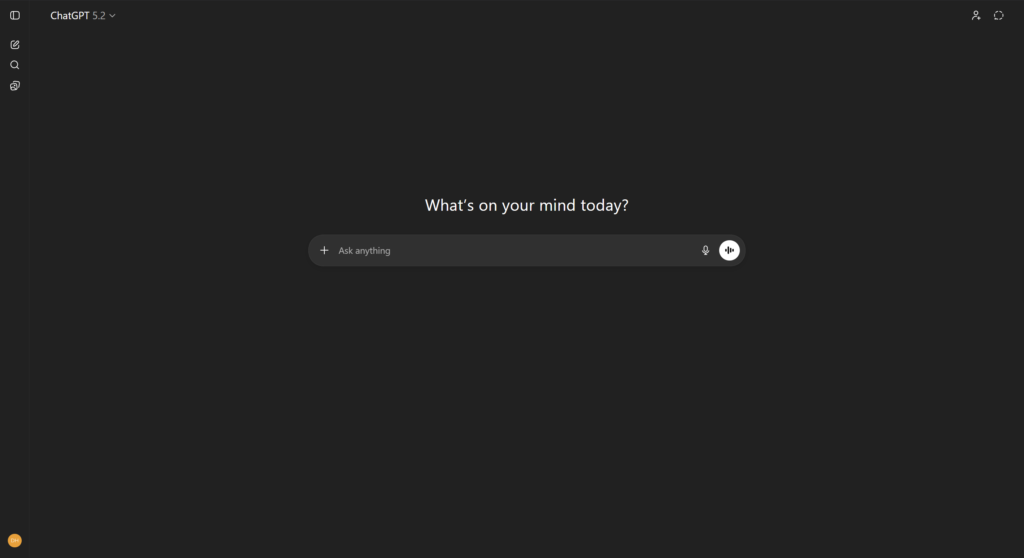
ChatGPT (OpenAI)
Best for: Brainstorming essay ideas, summarizing long (and boring) articles, explaining complex concepts like you are 5 years old, and creating custom study schedules.
Why we love it: It’s incredibly versatile. The (GPT 5.2) model is faster and smarter than its predecessors.
Price: It has an amazing free tier (GPT 5.2), but the paid version offers higher limits and smarter reasoning.
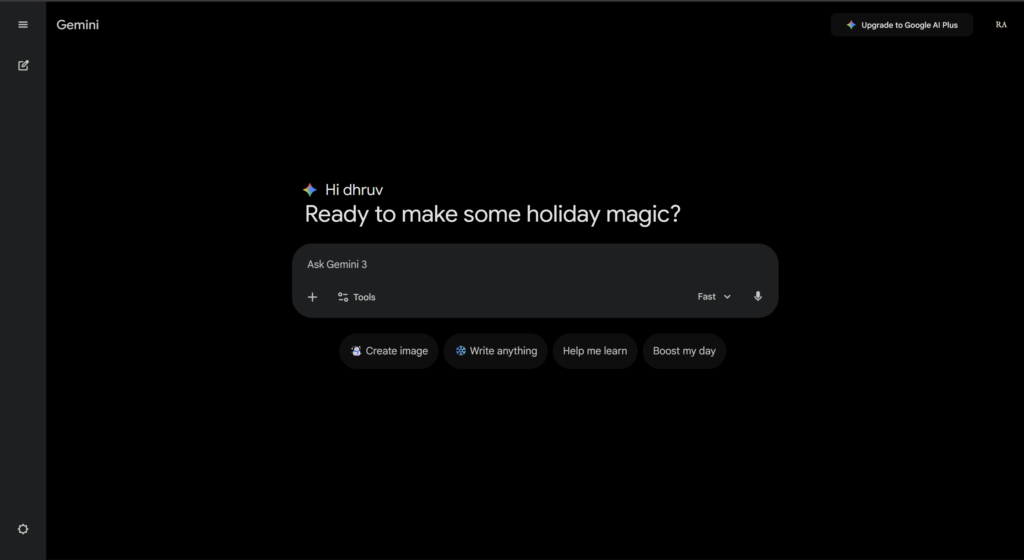
Google Gemini
Best For: Students deeply embedded in the Google ecosystem (Docs, Drive, Gmail).
Why we love it: It connects with your Google apps directly to pull out information, making it seamless for drafting content or organizing drive files. It is also excellent at creative writing assistance.
Cost: Free.
2. The Best for Research & Assignments
Stop aimlessly scrolling through infinite blue links on Google. These tools actually provide you with citable answers.
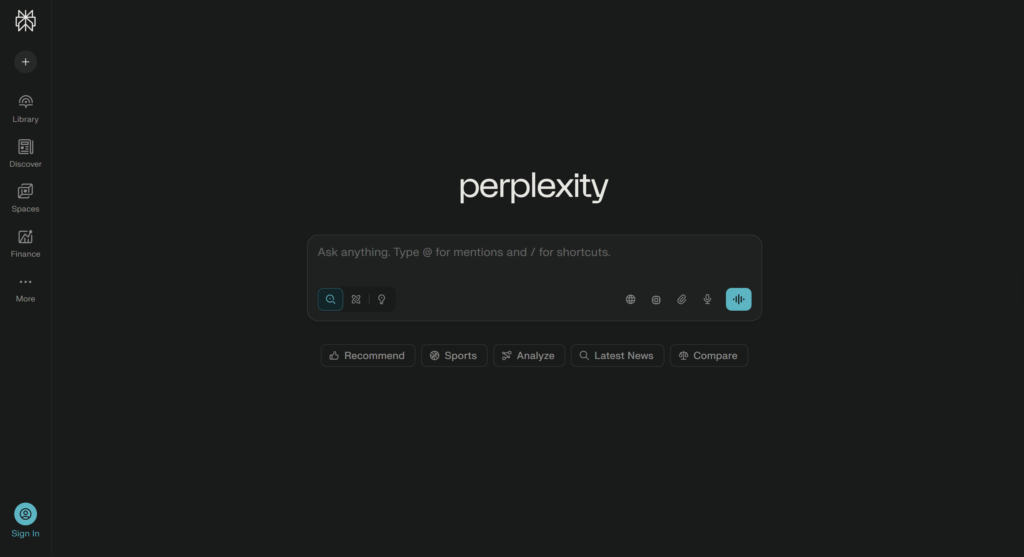
Perplexity AI
Best for: Replacing traditional Google Search.
Why we love it: Unlike other chatbots, Perplexity answers questions directly, with sources included. It tells you where exactly it has found the information so that you can cross-check the facts for your papers and avoid hallucinations.
Price: Excellent free version available.
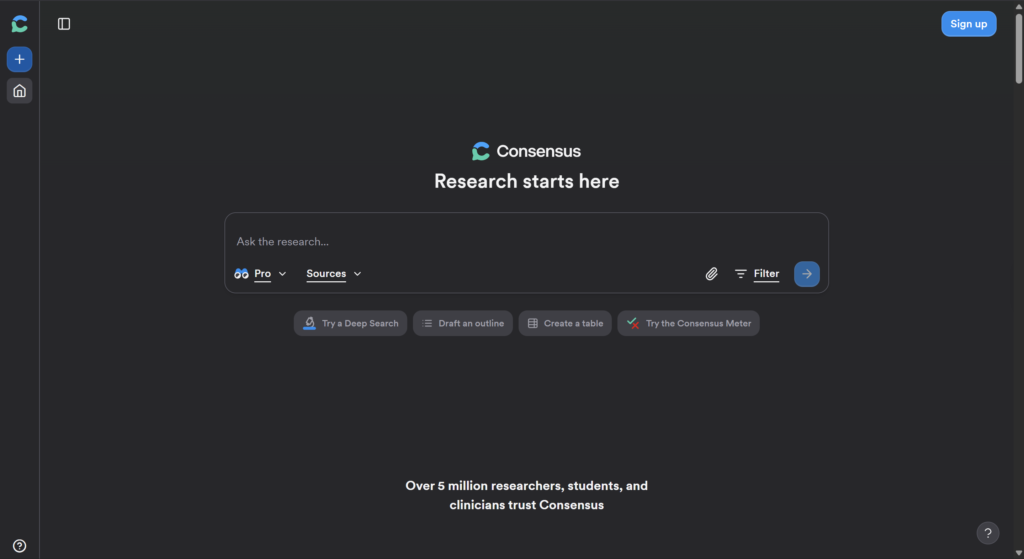
Consensus
Best For: Finding academic papers and “real” science.
Why we love it: You type in a simple question—e.g. “Does sleep deprivation affect memory?”—and it scans through millions of research papers to give you a “Yes/No/Maybe” consensus based on hard data, complete with references.
Price: Free tier available.
3. Best for Writing & Editing
Even the best ideas need polish. These tools ensure your work is readable and original.
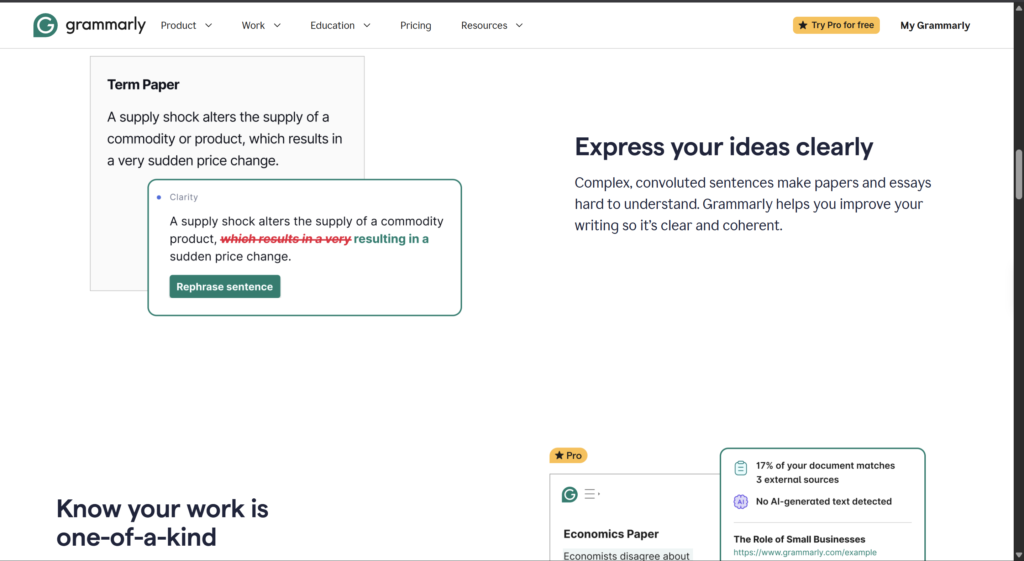
Grammarly
Best For: Grammar checking, tone, and clarity.
Why we love it: It catches the subtle mistakes that the standard spell-check misses and, importantly, teaches you why a sentence is wrong so you can improve with time.
Price: Free version is a must-have for any student; Premium for style upgrades.
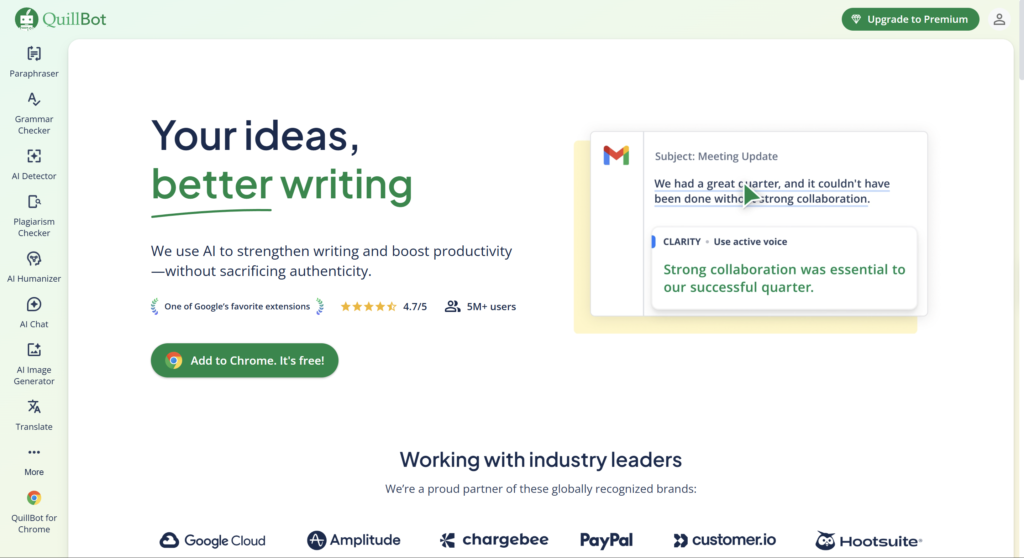
QuillBot
Best For: Paraphrasing and rewriting.
Why we love it: Whether you have written an awkward sentence or have the desire to include a quote in your own words—to absolutely avoid plagiarism—QuillBot reworks text while keeping the original meaning.
Price: Free with character limits.
4. The Best for Studying & Notes
Turn your messy lecture notes into an interactive tutor.
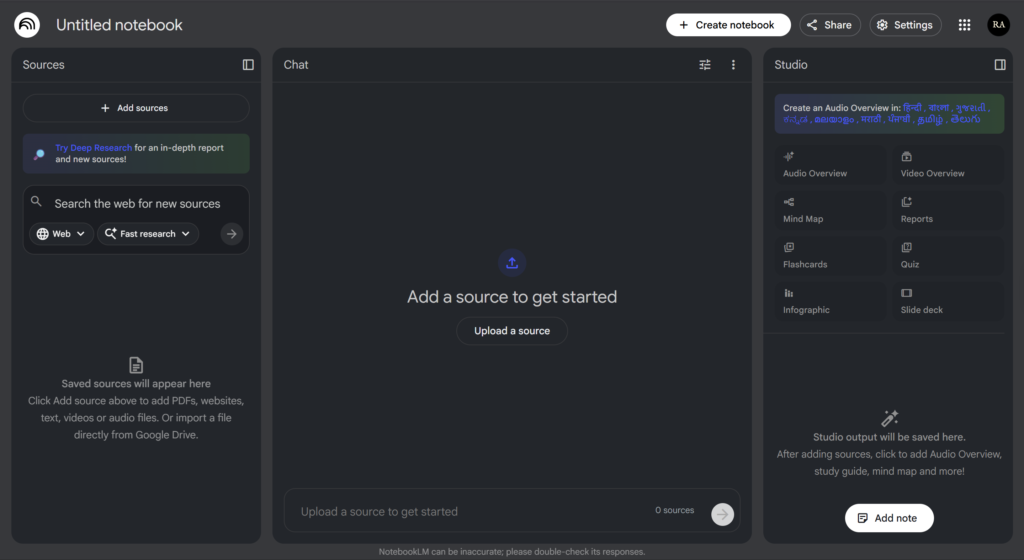
NotebookLM (by Google)
Best For: Deeply understanding your particular reading material.
Why we love it: You upload your own PDFs, lecture notes, or slides, and the AI becomes an expert only on that data. You can ask it, “What is likely to be on the quiz based on these notes?” or even have it generate an Audio Overview about your topic—like a podcast discussion.
Price: Free.
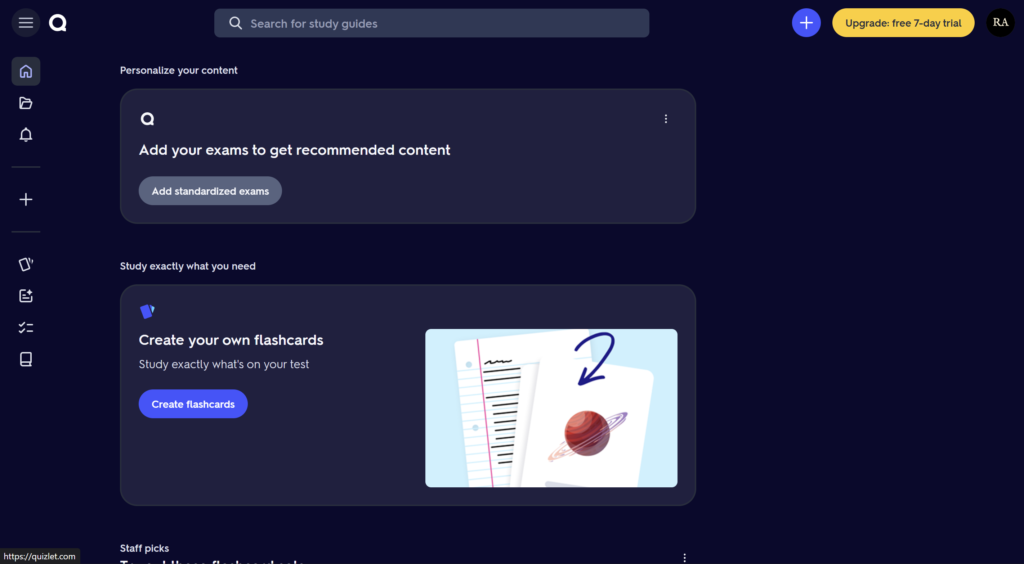
Quizlet
Best For: Pure memorization.
Why we love it: It automatically makes your notes into flashcards and practice tests using AI to save hours of prep time.
Price: Free (ad-supported).
6. Best for Presentations (PPTs)
Forget spending hours aligning text boxes. These tools turn your outline into a visual deck in minutes.
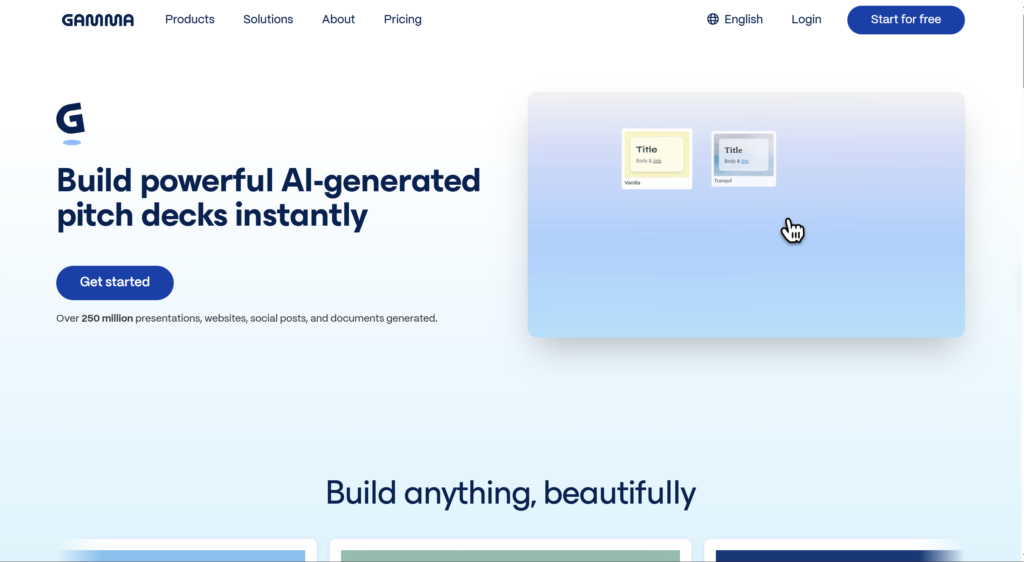
Gamma
Best For: Creating beautiful, web-style presentations instantly.
Why we love it: It feels like magic. You just type in a topic, like “The History of the Roman Empire,” and it creates an entire slide deck—complete with images, layouts, and text. It breaks the mold of boring PowerPoint templates and looks super professional while requiring zero design effort.
Cost: Generous free tier of 400 credits, which lets you make several presentations for free.
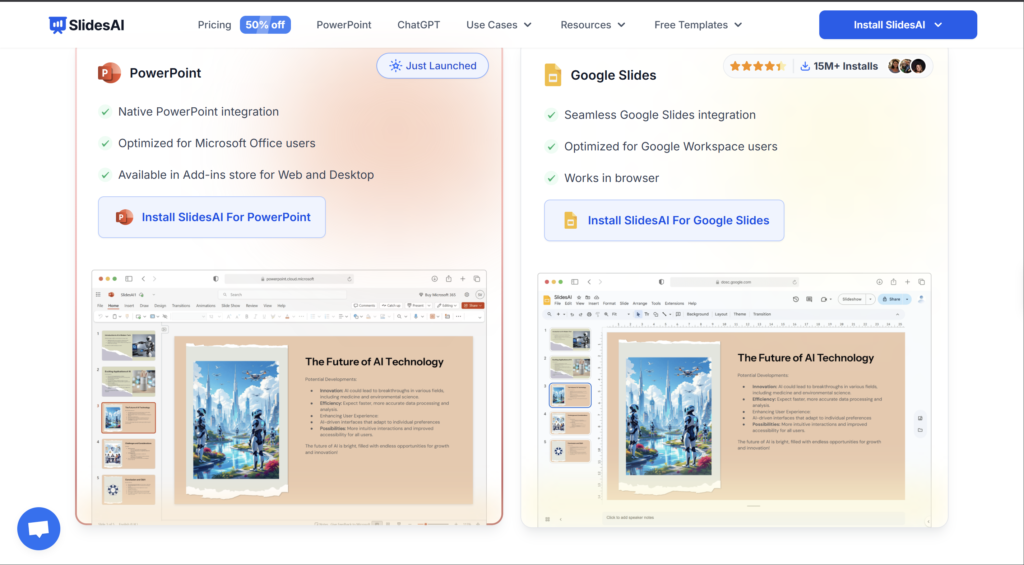
SlidesAI
Best For: Students who live in Google Slides.
Why we love it: This works directly inside Google Slides as an extension. You can paste your essay or notes, and it automatically creates slides for you without ever leaving your browser. It’s the fastest way to turn a paper into a presentation.
Price: Free version available for 3 presentations monthly
Conclusion
The “best” tool depends entirely on what you are working on right now. Use WolframAlpha for your calculus homework, Perplexity for your history paper, and NotebookLM to study for your biology final. Mixing and matching these tools is the secret to thriving in 2025.
